How to Publish SEO Articles Automatically: Complete Setup Guide
Learn how to publish SEO articles automatically with workflow automation, CMS integrations, and AI tools. Step-by-step setup to save hours each week.

Publishing SEO articles automatically transforms a weeks-long editorial calendar into a streamlined workflow that runs while you focus on strategy. The right automation setup connects AI content generation, quality checks, CMS integration, and scheduled publishing into one repeatable process that maintains quality while cutting manual effort by 70% or more.
This guide walks through every technical decision, integration step, and quality gate you need to publish SEO-optimized content on autopilot without sacrificing the ranking signals Google and AI search engines require.
Why Automate SEO Article Publishing?
Automated publishing solves the bottleneck between content creation and live publication by removing the manual upload, formatting, meta tag entry, internal link insertion, and scheduling tasks that consume 15-30 minutes per article. For teams publishing 20+ articles monthly, that time savings compounds into 5-10 reclaimed hours each week, hours better spent on keyword strategy, conversion optimization, or link building.
Beyond speed, automation enforces consistency in on-page SEO elements such as schema markup, image alt attributes, canonical tags, and internal link density, reducing the human error that causes ranking inconsistencies across your content library. When every article follows the same technical checklist without requiring manual QA, your entire site benefits from uniform SEO hygiene.
What You Need Before You Start
A functioning automated publishing workflow requires four foundational components: a CMS with API or webhook support, an AI content generation tool that outputs structured HTML or JSON, a quality control layer to catch formatting and SEO issues, and a scheduling mechanism to space publication dates for natural indexing cadence.
WordPress, Webflow, and headless CMS platforms like Contentful all support API-based publishing, though the specific authentication method varies. WordPress REST API uses application passwords or OAuth tokens, Webflow requires a site-specific API key, and most headless systems rely on bearer tokens. Gather your CMS credentials, API documentation URL, and a test environment before connecting any automation tool.
On the content side, verify that your AI writing tool can export articles with proper HTML structure, inline meta fields like title and description, and image placeholders or URLs. Flat text outputs require manual formatting, which defeats the purpose of automation.
How Do You Connect AI Content Tools to Your CMS?
Connecting an AI SEO content tool to your CMS happens through direct API integration, third-party automation platforms like Zapier or Make, or native publishing features built into the AI tool itself. Native publishing, where the AI platform writes and pushes content directly to your site without middleware, reduces failure points and keeps your entire workflow inside one dashboard.
RankHit's native publishing capability eliminates the need for Zapier, API key juggling, or custom scripts by connecting directly to WordPress, Webflow, and other CMS platforms, then mapping each generated article's title, body, meta description, featured image, categories, and tags to the correct CMS fields automatically.
For platforms without native support, use a middleware automation tool. Create a trigger when your AI tool marks an article complete, then map its output fields to your CMS API's required parameters: post title, post content (HTML), post status (draft or publish), author ID, category IDs, and any custom fields your theme requires. Test with a draft post first to verify field mapping before switching to auto-publish mode.
Step-by-Step: Setting Up Automated WordPress Publishing
WordPress remains the most common CMS for automated SEO publishing due to its mature REST API and plugin ecosystem. Start by installing an application password for API authentication: navigate to Users → Profile, scroll to Application Passwords, enter a descriptive name like "RankHit Automation," and click Add New to generate a password string you will use in your automation tool's WordPress connection settings.
In your AI content platform or automation tool, add a new WordPress connection using your site URL, admin username, and the application password you just created. Most tools will send a test request to confirm the connection works. Once connected, configure the post mapping: map the article title field to post_title, body to post_content, meta description to your SEO plugin's meta field (Yoast uses yoast_wpseo_metadesc, Rank Math uses rank_math_description), and set post status to draft if you want manual review or publish for full automation.
Assign a default author, category, and tags. If your workflow generates keywords or categories dynamically, map those fields too, but ensure the category slug or ID already exists in WordPress to avoid publish errors. Save the configuration, then trigger a test article to confirm it appears in your WordPress dashboard with all fields populated correctly.
Step-by-Step: Setting Up Automated Webflow Publishing
Webflow publishing automation requires a Webflow site plan (not just an account plan) to access the API, plus a site-specific API token generated from your Webflow project settings. Open your site settings, navigate to Integrations → API Access, and generate a new token with write permissions for CMS collections.
In your automation platform, create a Webflow connection using the API token. You will also need your site ID and the collection ID for your blog posts, both visible in the Webflow project settings or API documentation. Map your article fields to the corresponding Webflow CMS field slugs: name (the post title), post-body (rich text content), meta-description, featured-image (requires an image URL, not a file upload), and any custom fields like author or publish date.
Webflow items default to draft status when created via API. To publish automatically, include a second API action that changes the item's _archived and _draft fields to false, then triggers a site publish. Test the entire sequence with a sample article, verify it appears live on your Webflow site, then enable the automation for production use.
How Should You Schedule Articles for Optimal Indexing?
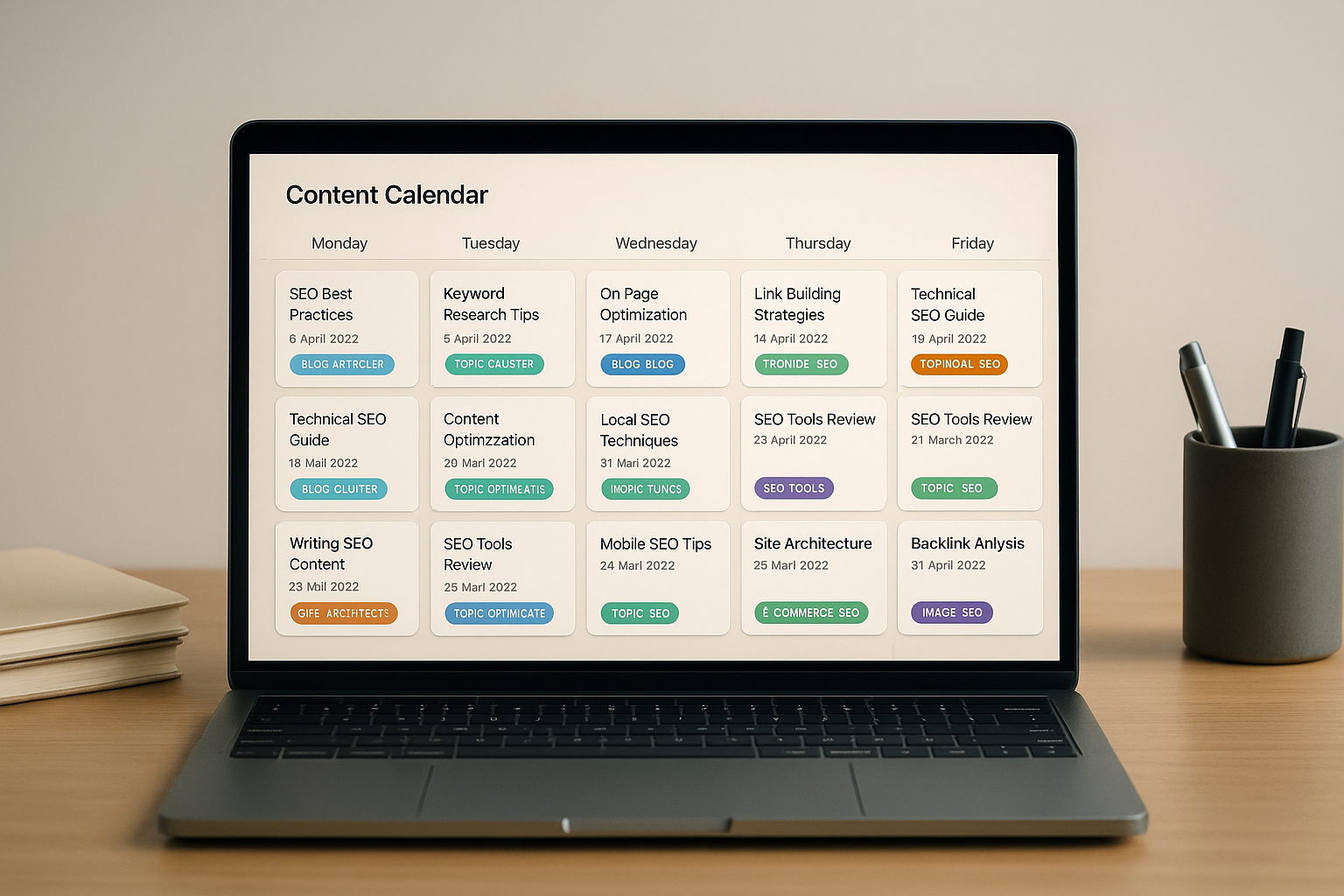
Publishing every article the moment it is written signals bulk automation to search engines and can trigger quality filters, especially for new sites. Instead, space publication dates 2-4 days apart to mimic a natural editorial calendar, giving Google time to crawl, index, and assess each piece individually before the next one appears.
Most AI content platforms and automation tools include a scheduling queue: when an article is ready, assign it a future publish date based on your desired cadence rather than pushing it live immediately. This also lets you build a content buffer, so even if content generation pauses for a week, your site continues publishing on schedule, maintaining the consistency signals that build topical authority over time.
For sites publishing 20+ articles monthly, consider clustering related topics within the same week, then spacing unrelated topics further apart. This clustering helps search engines recognize topical depth and supports internal linking structures that flow naturally from pillar content to supporting articles.
What Quality Checks Should Run Before Auto-Publishing?
Automated quality checks prevent low-value content from going live and damaging your site's authority. At minimum, validate that each article meets a word count threshold (typically 1,200+ words for SEO content), includes at least one internal link to existing content, contains the target keyword in the title and at least one heading, and has a unique meta description under 160 characters.
Technical checks should verify that all image placeholders have alt text, headings follow proper hierarchy (no H4 before H3), and no broken internal or external links exist. Many AI content platforms include these validations as pre-publish rules; if yours does not, add a middleware step using a tool like Zapier's Code or Filter actions to block publication when validation fails.
For sites targeting AI search citations, add a check for structured data: confirm that FAQ schema, HowTo schema, or Article schema is present and valid. RankHit's built-for-AI-search approach automatically generates schema markup optimized for ChatGPT, Perplexity, and other AI answer engines, increasing your content's citation likelihood without manual JSON-LD editing.
How Do You Automate Internal Linking During Publishing?
Internal links distribute authority across your site and guide both users and crawlers to related content, but manually selecting relevant anchor text and destination URLs for every new article is tedious and inconsistent. Automated internal linking uses keyword matching or semantic similarity to identify existing articles that relate to the new piece, then inserts contextual links within the body content before publication.
Some AI content platforms analyze the new article's topic and target keywords, compare them to your existing content library, and suggest or insert links automatically. For WordPress, plugins like Link Whisper or RankHit's native internal linking feature scan each new post for relevant anchor opportunities and insert links to high-value pages, category hubs, or related blog posts without manual input.
Set rules to control link density: aim for 2-5 internal links per 1,000 words, prioritize links to cornerstone content or recent articles, and avoid over-optimizing anchor text by varying exact-match and partial-match phrases. Save these rules in your automation platform so every published article follows the same internal linking strategy.
| Automation Component | Manual Approach Time | Automated Time | Time Saved per Article |
|---|---|---|---|
| Content upload and formatting | 8 minutes | 0 minutes | 8 minutes |
| Meta tags and SEO fields | 5 minutes | 0 minutes | 5 minutes |
| Internal link insertion | 10 minutes | 0 minutes | 10 minutes |
| Image upload and alt text | 6 minutes | 0 minutes | 6 minutes |
| Category and tag assignment | 3 minutes | 0 minutes | 3 minutes |
| Total | 32 minutes | 0 minutes | 32 minutes |
How Can You Track Performance of Auto-Published Content?
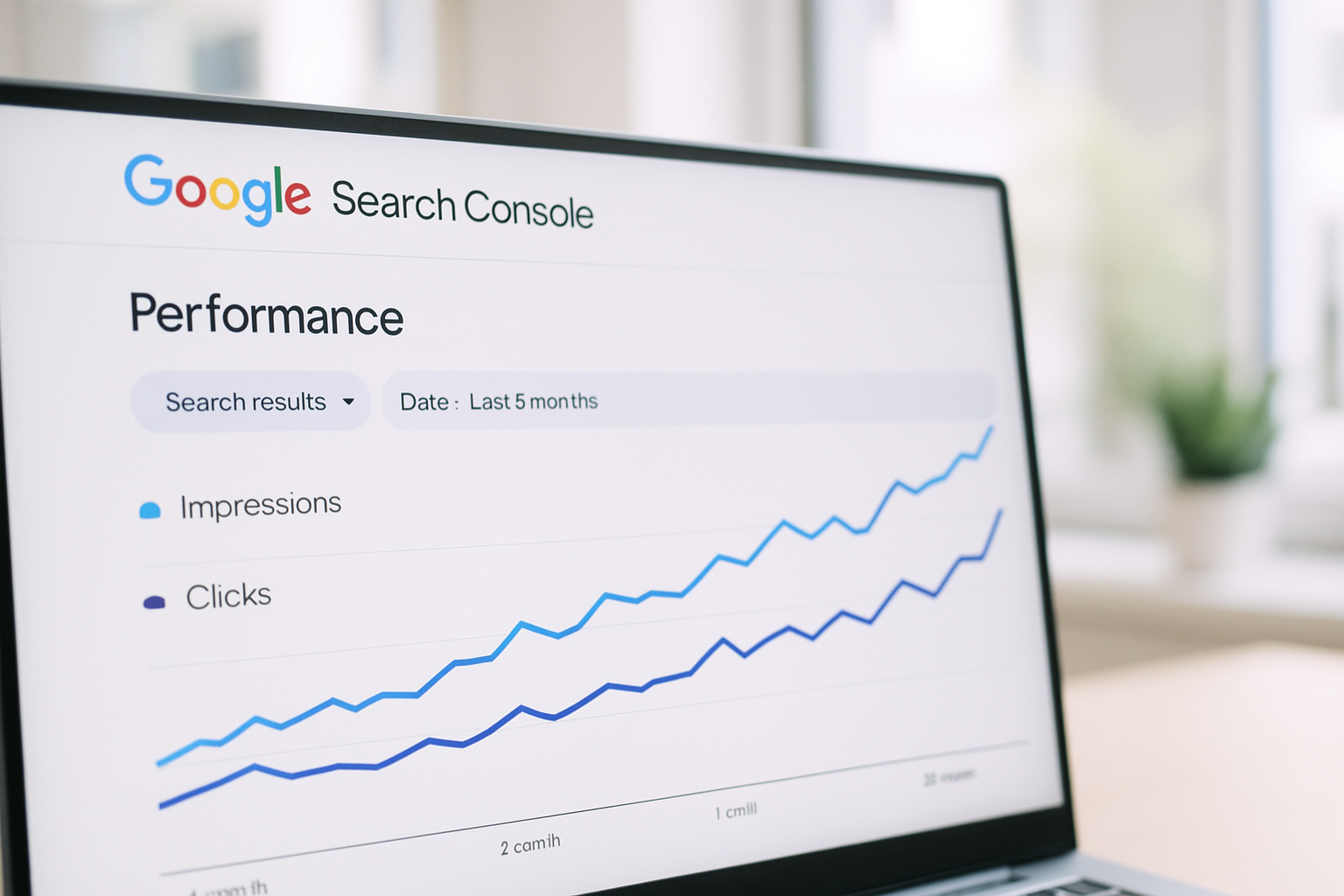
Tracking performance starts with tagging auto-published articles in your CMS so you can segment them in Google Analytics and Search Console. Add a custom field or tag like "auto-published" when articles go live, then create a filter in Analytics to compare traffic, engagement, and conversion metrics against manually published content.
In Google Search Console, use the Pages report to monitor impressions, clicks, and average position for each auto-published URL. Look for patterns: if automated articles consistently rank lower than manual ones for similar keywords, your quality checks may need tightening, or your AI content tool may require better training on your brand voice and topical depth.
Set up automated reporting so performance data feeds back into your content strategy. If certain topics or keyword clusters outperform others, prioritize those in your next content batch. If specific article types (listicles, how-to guides, comparison posts) drive more engagement, adjust your content brief templates to favor those formats.
What Are Common Pitfalls in Automated Publishing?
The most common pitfall is publishing content faster than your site can absorb it, flooding search engines with dozens of new pages in a short window without the backlink equity or domain authority to support them. This creates thin content signals and can trigger manual review or algorithmic penalties, especially if articles lack depth or internal cohesion.
Another frequent mistake is skipping the review of the first 10-20 automated articles. Even with quality checks in place, every CMS and content tool combination has quirks: image alignment breaks in mobile view, schema markup renders incorrectly, or internal links point to draft pages instead of live URLs. Manually inspect your first batch to catch these issues before they replicate across hundreds of posts.
Over-reliance on a single AI model or template also reduces content diversity, making it easier for search engines to identify patterns and discount your site as low-effort automation. Rotate content structures, vary article length and depth, and periodically update your AI prompts or content briefs to maintain the variability that high-quality editorial calendars naturally exhibit.
Which Tools Support End-to-End Automated Publishing?
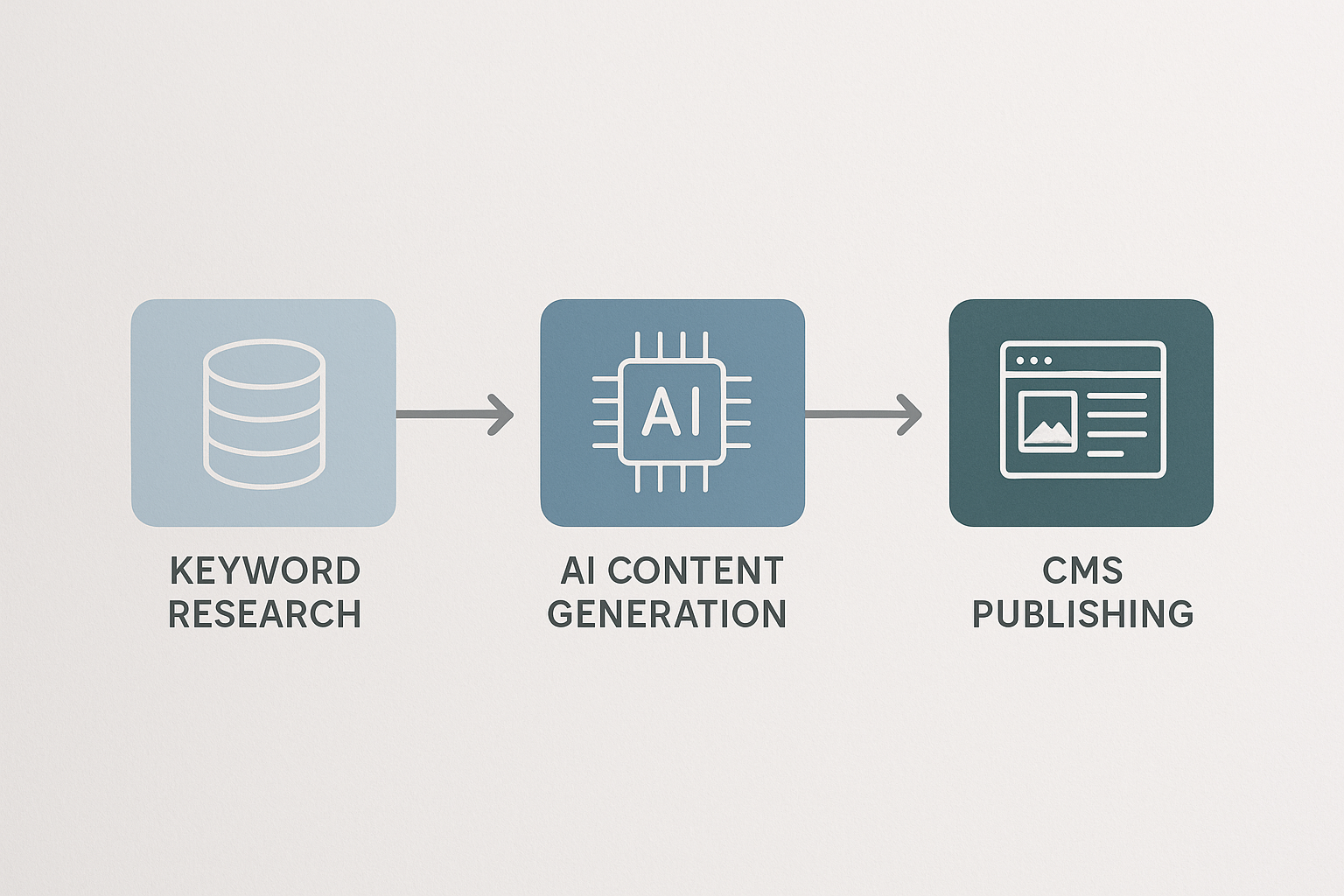
End-to-end platforms combine keyword research, AI content generation, SEO optimization, internal linking, and CMS publishing in one workflow, eliminating the need to stitch together multiple tools. RankHit automates the entire pipeline, from identifying ranking opportunities to publishing fully optimized articles directly to your WordPress or Webflow site, with built-in schema markup and internal link suggestions that align with AI search engine citation requirements.
Alternative approaches use modular tools: an AI writing platform like Jasper or Copy.ai for drafting, a middleware automation tool like Zapier or Make for CMS integration, and WordPress plugins for internal linking and schema. This modular path offers flexibility but requires managing API keys, troubleshooting connection errors, and maintaining separate subscriptions, which adds complexity and recurring costs.
When evaluating tools, prioritize native CMS publishing over middleware integrations, built-in SEO validation over post-publish manual checks, and platforms that update their AI models regularly to reflect search engine algorithm changes. The best automation setup is one you can configure once and trust to run consistently without weekly intervention.
How Do You Scale from 10 to 100 Articles per Month?
Scaling automated publishing beyond 10 articles monthly requires shifting from one-off workflows to batch processing and dynamic content pipelines. Instead of manually triggering each article, set up a content queue where keyword research feeds directly into content generation, which then triggers publishing based on your scheduling rules, all without manual intervention between stages.
Implement topic clustering to organize high-volume output: group related keywords into pillar and supporting article sets, publish the pillar piece first, then schedule supporting articles over the following weeks with internal links pre-mapped to the pillar URL. This structure prevents random topic scattering and builds the topical authority signals that help large content libraries rank cohesively rather than competing with themselves.
Monitor your hosting and CMS performance as volume increases. Publishing 100 articles monthly can strain shared hosting plans or trigger rate limits on API requests. Upgrade to managed WordPress hosting or a headless CMS with higher API quotas, and enable CDN caching to handle the increased page count without slowing site speed, which would offset your SEO gains.
Frequently Asked Questions
Can automated publishing hurt my SEO rankings?
Automated publishing only harms rankings when quality controls are absent and low-value content floods your site at unnatural volume. When you enforce word count minimums, keyword optimization, internal linking, schema markup, and realistic publication schedules, automated content performs identically to manually published content because search engines evaluate the final output, not the method used to upload it.
Do I need coding skills to set up automated publishing?
No coding is required when using platforms with native CMS integrations or no-code automation tools like Zapier. You will configure API connections by pasting tokens and mapping field names through dropdown menus, which requires following setup guides but not writing code. Advanced customizations like custom post types or dynamic taxonomy assignment may benefit from light PHP or JavaScript knowledge, but standard blog publishing workflows are fully no-code.
How often should I review auto-published articles?
Review the first 10-20 articles closely to validate formatting, internal links, and schema accuracy, then shift to spot-checking 10% of articles monthly once the workflow stabilizes. Also review any article that underperforms in Search Console after 30 days live, as these outliers reveal gaps in your quality checks or content brief that need adjustment.
What happens if the API connection fails during publishing?
Most automation platforms retry failed API requests 2-3 times before marking the task as failed and sending an email alert. When you receive a failure notice, check your CMS API credentials, verify the site is online and not under maintenance, and confirm API rate limits were not exceeded. Requeue the failed article manually, and if failures persist, contact your CMS host or automation platform support to diagnose authentication or server issues.
Can I automate publishing to multiple websites simultaneously?
Yes, create separate CMS connections for each site in your automation platform, then duplicate your publishing workflow and change the destination connection for each version. This lets you generate one article and push it to multiple sites, or run independent content pipelines per site. Be cautious of duplicate content penalties: if publishing the same article to multiple domains you own, use canonical tags pointing to a primary version, or rewrite each version to maintain uniqueness.
Automated SEO publishing shifts your role from content uploader to content strategist, freeing you to focus on keyword targeting, conversion optimization, and building topical authority while your workflow handles the repetitive mechanics. The setup investment pays back quickly: after configuring your CMS integration, quality rules, and scheduling cadence once, every subsequent article benefits from the same speed and consistency gains without additional effort.
Start with a conservative publication schedule, validate your first batch manually, then scale volume as performance data confirms your automation maintains the quality and ranking signals your SEO strategy requires. The best automated workflows are invisible to readers and search engines alike, delivering the same value as manual publishing at a fraction of the time cost.
Explore RankHit's complete automation platform to see how keyword research, content generation, internal linking, and publishing integrate into one seamless pipeline designed for Google rankings and ChatGPT citations.

RankHit
RankHit official
RankHit researches keywords, writes SEO articles, and publishes them on autopilot so brands can rank on Google and get cited by ChatGPT.